 Video Lock
Video touch lock for Android
Press play. Then lock the touch.
Video Lock lays an invisible shield over your video app, so a stray thumb, a blanket or a bumpy ride never pauses, skips or closes what you are watching.
Free · Android 7.0+ · no accessibility service
Screenshots
Nothing between you and the picture.
How it works
A session in three steps.
Allow display over other apps
One permission lets Video Lock draw its touch shield. The setup check explains how to keep it running on phones that close background apps.
Tap Lock, then press play
The start delay leaves time to open the video app and start playback. The display can stay on for the whole session.
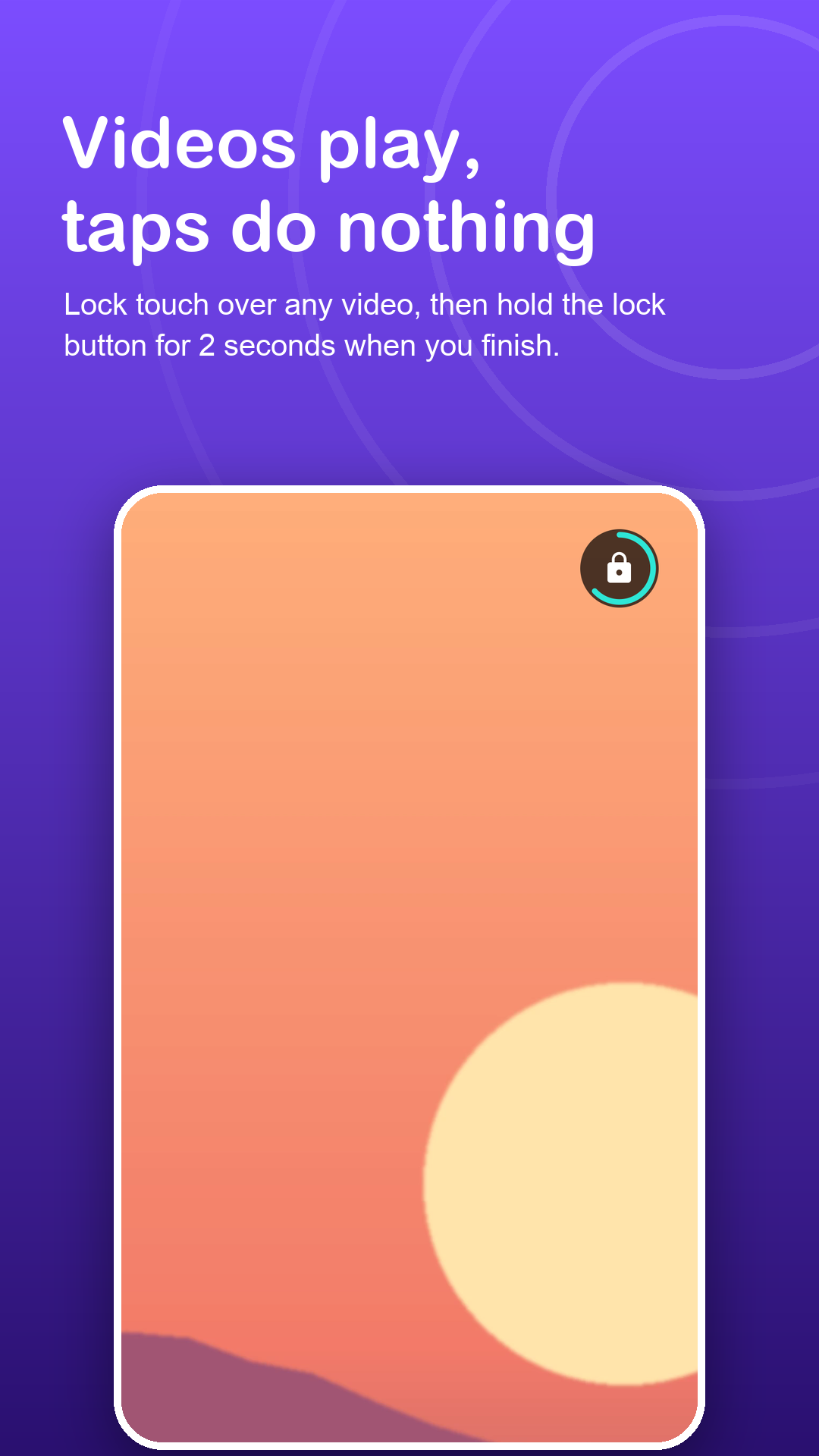
Hold 2 seconds when done
A steady 2-second hold on the small lock button brings touch back. Quick taps, a resting palm or two fingers never end it.
Features
Made for long viewing.
Invisible shield
The layer is see-through. The only thing on top of the picture is a lock button that fades after a few seconds.
Button where you want it
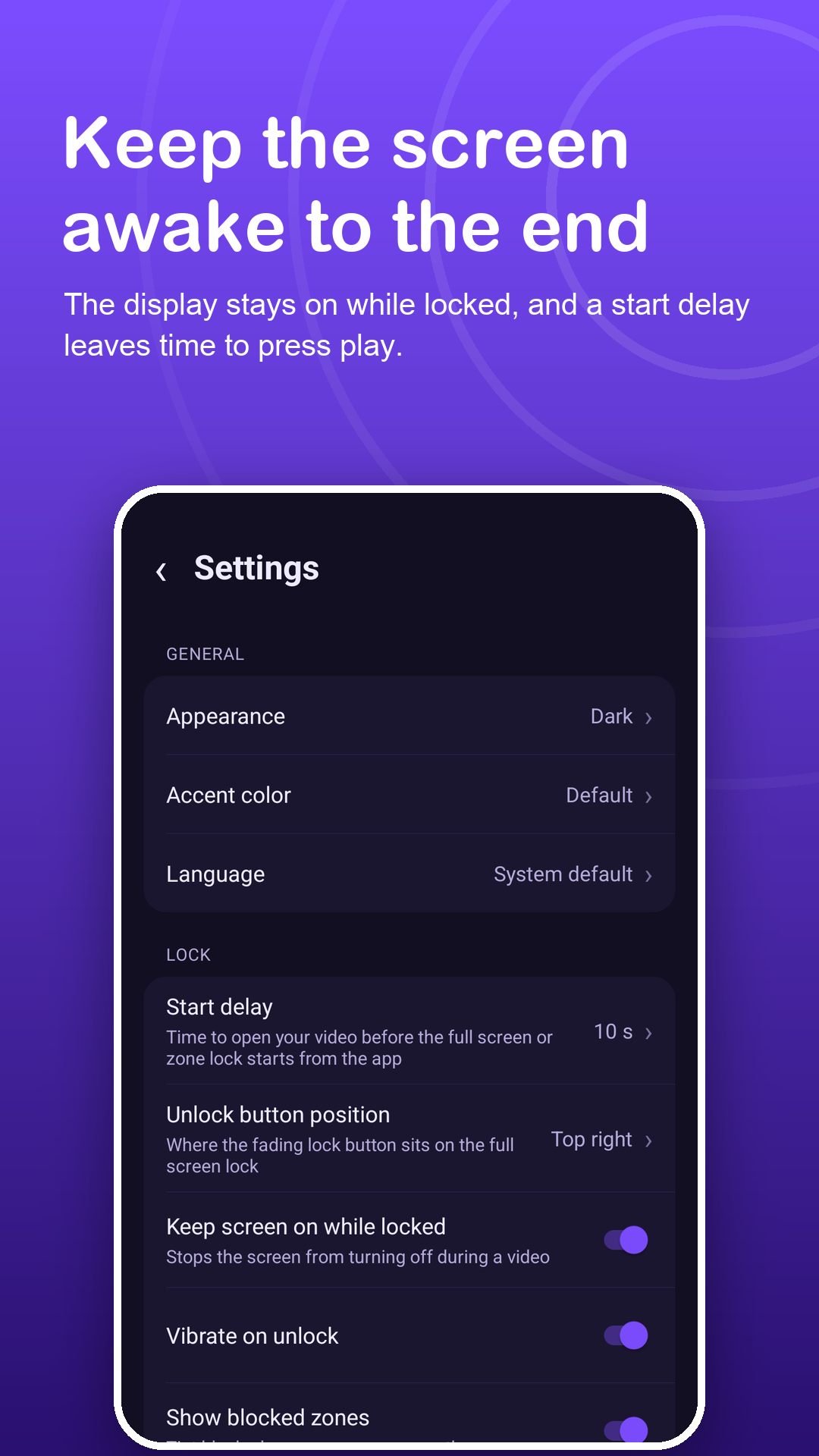
Choose the corner for the unlock button so it stays clear of subtitles and player controls.
Screen stays awake
Keep the display on while locked, even when the video app would let it sleep.
Partial lock
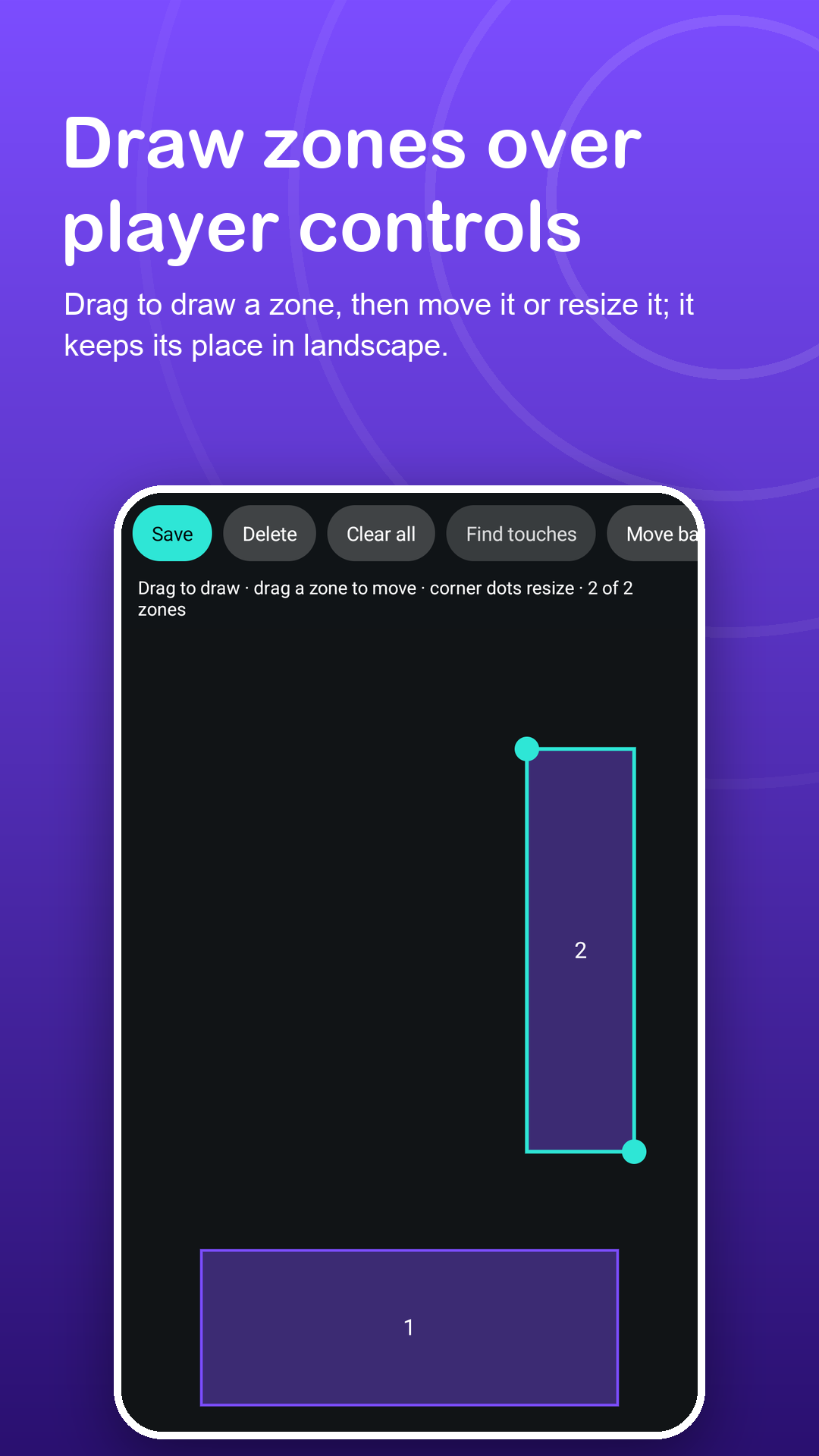
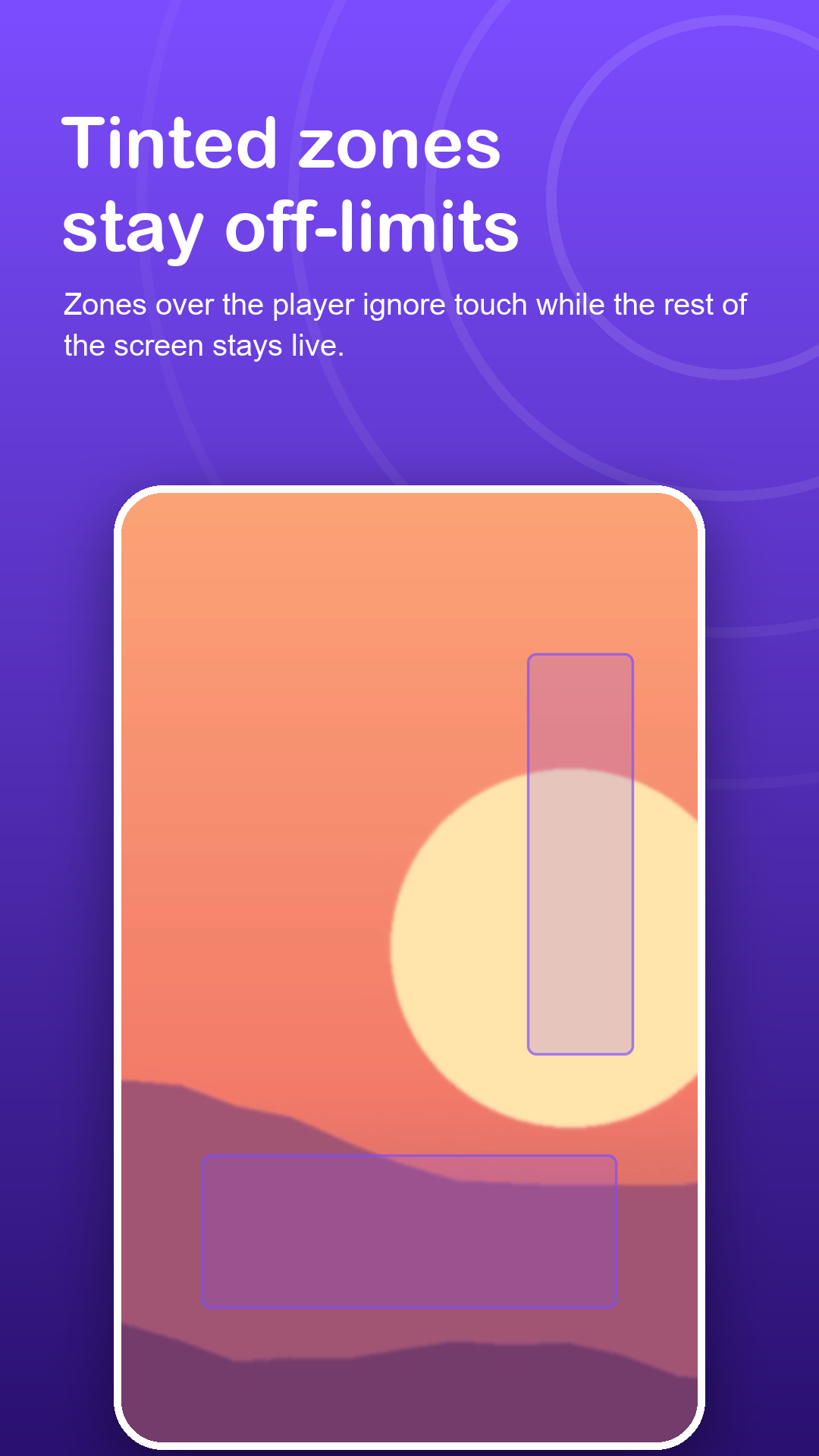
Lock only the progress bar, the comments or the edge your hand rests on, and keep the rest of the screen usable.
Sleep-friendly timer
With Premium, touch returns on its own after 5 to 120 minutes, handy if you doze off mid-film.
One swipe away
Lock or unlock from a Quick Settings tile or the notification, without opening the app.
Privacy
It shields the screen. It never reads it.
Video Lock uses no accessibility service and does not record or analyze what you watch. Zones, settings and your PIN stay on the phone; the PIN is stored only as a salted hash. Read the privacy policy.
FAQ
Fair questions.
Does the video keep playing?
Yes. Video Lock is a see-through layer above the app, so playback continues and the screen can stay on while taps and swipes are ignored.
Will the lock button cover subtitles?
You choose which corner it sits in, and it fades almost completely after a few seconds.
Can I still change the volume?
Usually yes. Android keeps the power and volume buttons, the status bar and gesture navigation above app layers, so they may still respond. If you want them held too, use the in-app guide to Android screen pinning.
What if I fall asleep while it is locked?
With Premium, set an auto-unlock timer from 5 to 120 minutes. Restarting the phone also always removes the lock.
Does it use the Accessibility API?
No. It needs only Display over other apps, plus the notification permission on Android 13 and newer for the Unlock button.
What is free and what is Premium?
Free: full screen lock, 2 zones, the touch finder, the tile, notification controls and the pinning guide, with ads. Premium: up to 12 zones, zone sets, the auto-unlock timer, a PIN and no ads.